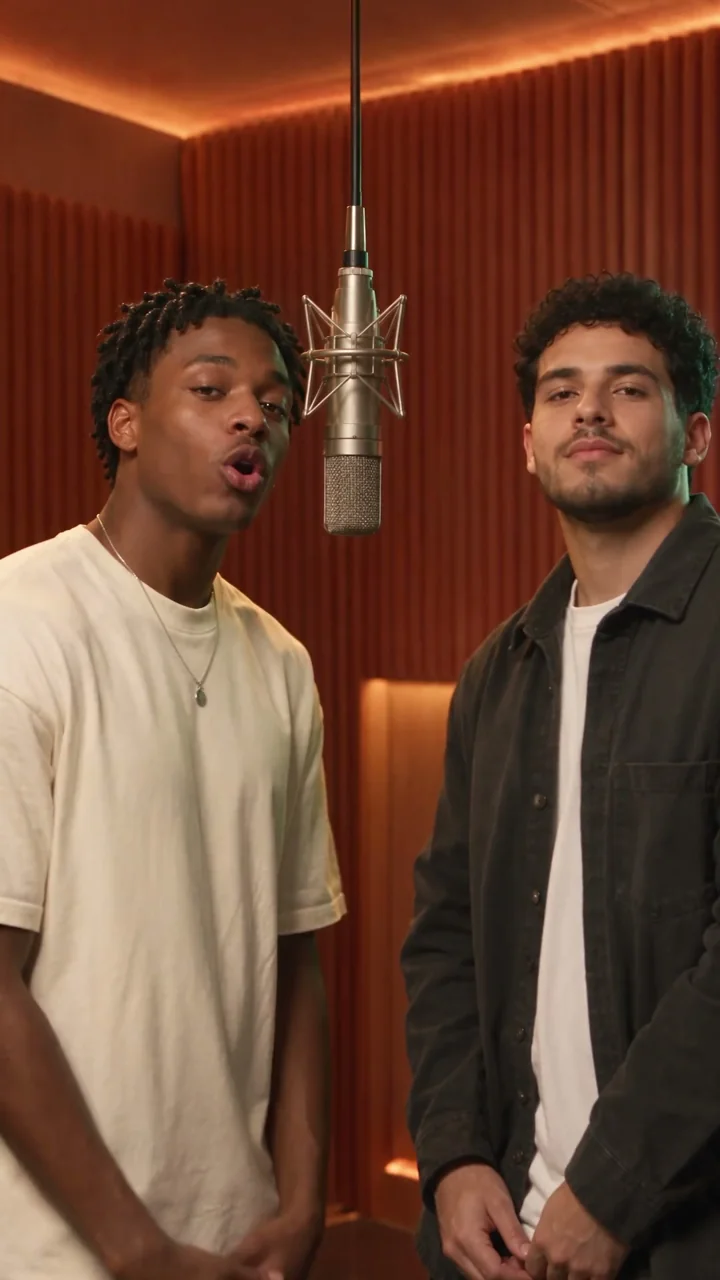
Orange Booth
Day ones on the mic
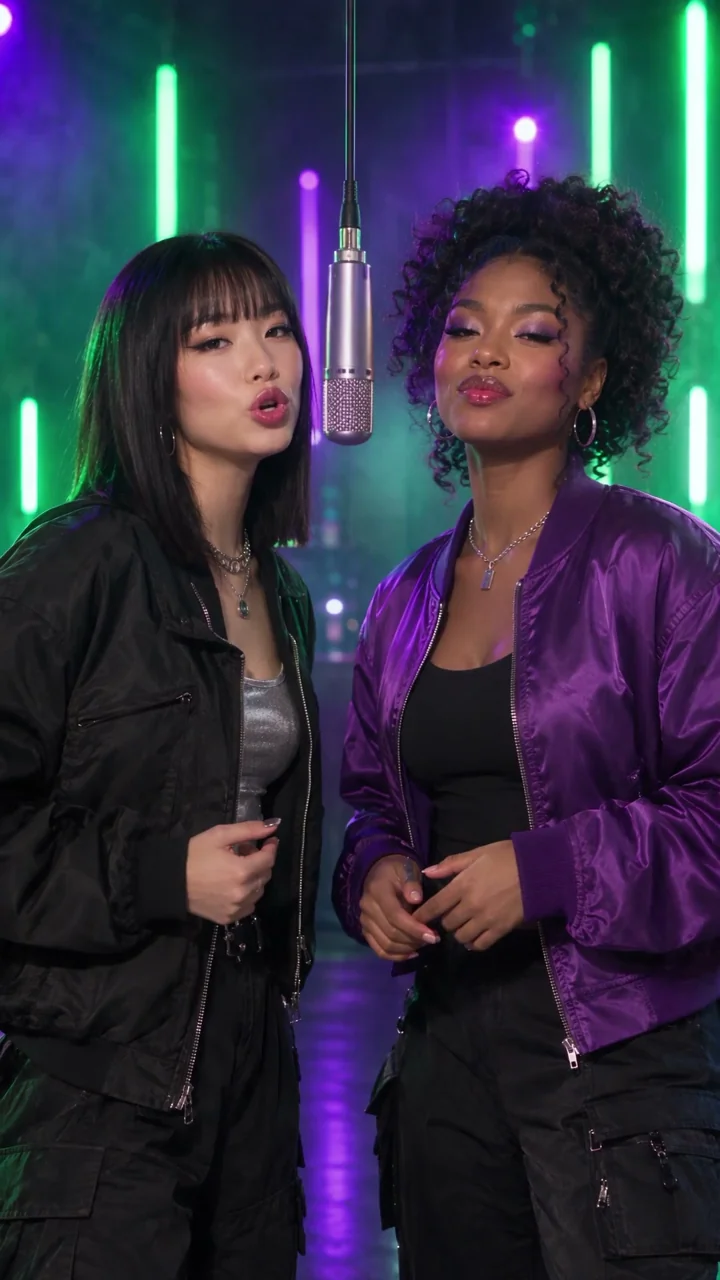
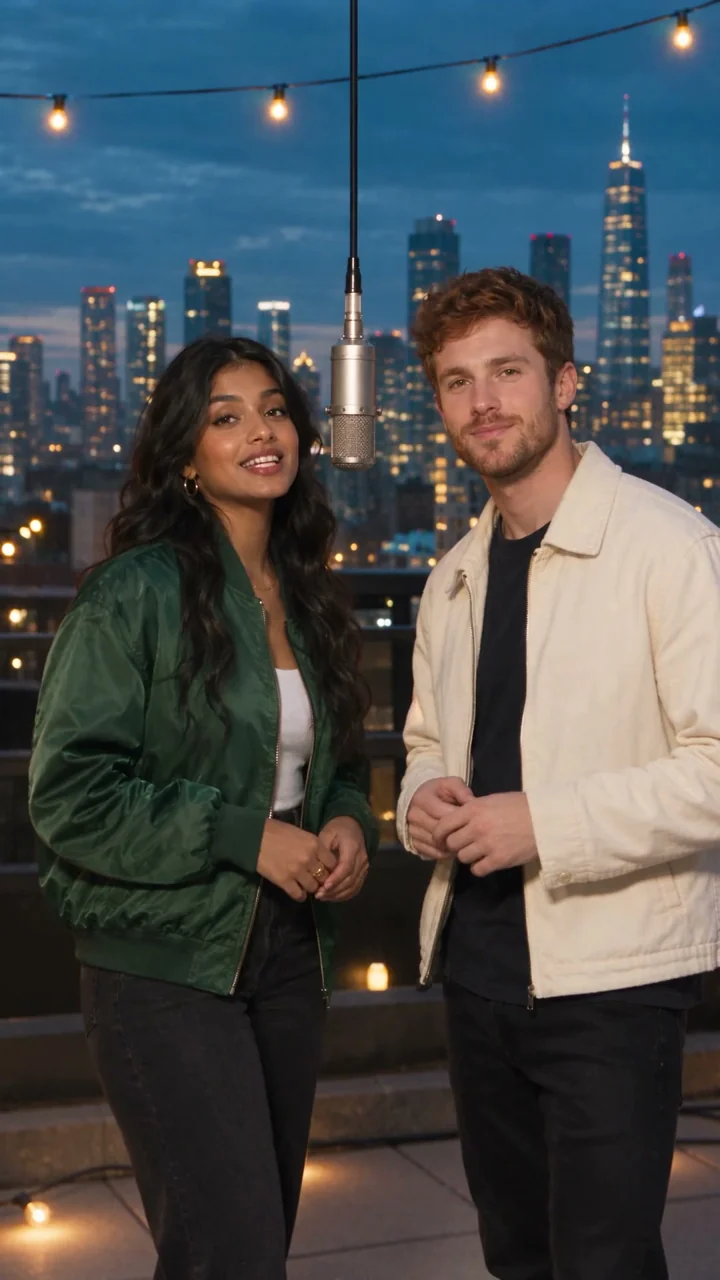
Two friends. Zero stage fright.
Two faces. One mic. Your moment.
SonicClip — the rap video maker that runs in your browser.
Add two faces, pick or upload a scene, and say what the rap is about. Choose or generate lyrics, review them, then create your duet with the beat, vocals and lip-synced video together.
FIND YOUR BACKDROP
Explore three cinematic presets with real video examples, or upload your own backdrop in the studio.

NO STUDIO REQUIRED
Bring your faces, choose a backdrop, and confirm your lyrics. SonicClip creates the beat, voices and video together.
Add a selfie for each rapper, or one photo of the two of you together. Clear, well-lit faces give the most recognizable performers. JPG, PNG or WebP, up to 10 MB each.
Pick a preset or upload your own scene. Add a topic, then choose, write or generate lyrics and confirm the words before making your video.
SonicClip performs your confirmed lyrics with a beat and two voices. Watch the video in your library, download it, or scan its QR code to open it on your phone.
Sign in and add credits to generate. The studio quotes the exact credit cost before you submit, and a failed generation returns its credits.
ONE PASS, FOUR PARTS
Most tools hand you one piece and leave you to find the rest. A SonicClip video arrives with all four already in sync.
Choose a preset, write your own English bars, or generate them from your topic. Edit and confirm the words before creating the video.
Rapper one and rapper two take turns line by line, then land the ending together. It plays like a conversation, not one voice reading a script.
The rhythm is generated with the vocals instead of pasted underneath, so the flow sits in the pocket. Nothing to license, nothing to hunt for.
Your two performers rap the lyrics in order inside the scene you picked, with camera moves and gestures that follow the energy of the track.
THE DUET IS THE PRODUCT
A duet is not one voice reading the word “duet”. It is two performers who take turns, answer each other and finish on the same line — and it is the format most AI music tools get wrong, because they ask you to type [Male Vocal] and [Female Vocal] into your own lyrics and hope the model listens.
SonicClip asks for two people, not two tags. Give it a face for each side and a topic. The lyrics are written for rapper one and rapper two from the first line, the vocals alternate in that order, and the video puts both of you on the mic.
Illustrative lines. Your confirmed lyrics are saved with your video in the library.
CAST YOURSELVES
An AI rapper video only lands when the people on screen are the people it was made for. SonicClip uses your photos as the reference for both performers, so the duo in the video is the duo in your camera roll — not two strangers in similar lighting.
WHY VIDEO, WHY NOW
Audio gets listened to. Video gets shared, stitched and reposted — that is how a moment travels without a budget behind it.
Videos come out in 9:16 for Shorts, Reels and TikTok, watched with the sound off for the first two seconds. Switch to 16:9 for YouTube and embeds.
Most music video generators need a finished track. With SonicClip, start from a topic, confirm your lyrics, then generate the music and video together.
The old music video workflow was an editor, stock footage and a weekend of manual syncing. This one is three choices and a download.
THE DELIVERABLE
Every setting is chosen before you generate, and the credit quote updates as you change it.
Uploaded photos are deleted 24 hours after the last video using them finishes. Your videos stay in your library until you delete them.
HONEST COMPARISON
| Feature | SonicClip | Video editor (CapCut, Premiere) | Generic AI video tool |
|---|---|---|---|
| You start with | Two photos and a topic | Footage and a finished song | A text prompt |
| The song | Lyrics, beat and vocals written for your topic | Bring your own | Rarely written for your topic |
| Two rappers | Built in: voices alternate, then finish together | Manual cuts and timing | One voice, or tags you type yourself |
| Faces | Taken from your photos | Whoever is in your footage | Not guaranteed to match anyone |
| Lip sync | Generated with the vocals | Manual | Hit or miss |
| Skill needed | None: three choices and a sentence | Editing experience | Prompt writing |
| Install | Nothing, runs in the browser | Desktop or mobile app | Varies |
The honest summary: an editor is more powerful and needs a skill you have to learn. A generic AI video tool is flexible but does not know what a verse or a duet is. SonicClip sits in the narrow gap between them — it knows what two rappers trading bars should look like, and it does not make you build anything by hand.
MAKE IT A MOMENT
THE NAME
Everyone has a moment worth a song and no easy way to make one. Audio on its own does not travel far; a clip does. The few seconds someone reposts, the line a friend quotes back — that is what actually circulates, and until recently making one meant a studio, an editor and a lost weekend.
SonicClip exists to close that gap. Bring two faces and a story, choose a scene, get the clip. No timeline, no software to install, built for the phone already in your hand. Two voices, one mic, vertical by default — because that is where the clip actually goes.
GOOD QUESTIONS
THE MIC IS YOURS
Pick your people. Find your scene. Take the studio for a spin.
Explore the studio